








Generate stock video metadata in seconds
SNX uses AI to create titles, descriptions, keywords, categories and provider-specific CSV fields for stock video clips. Stop spending hours on metadata and prepare your footage faster.
The problem
Metadata takes forever
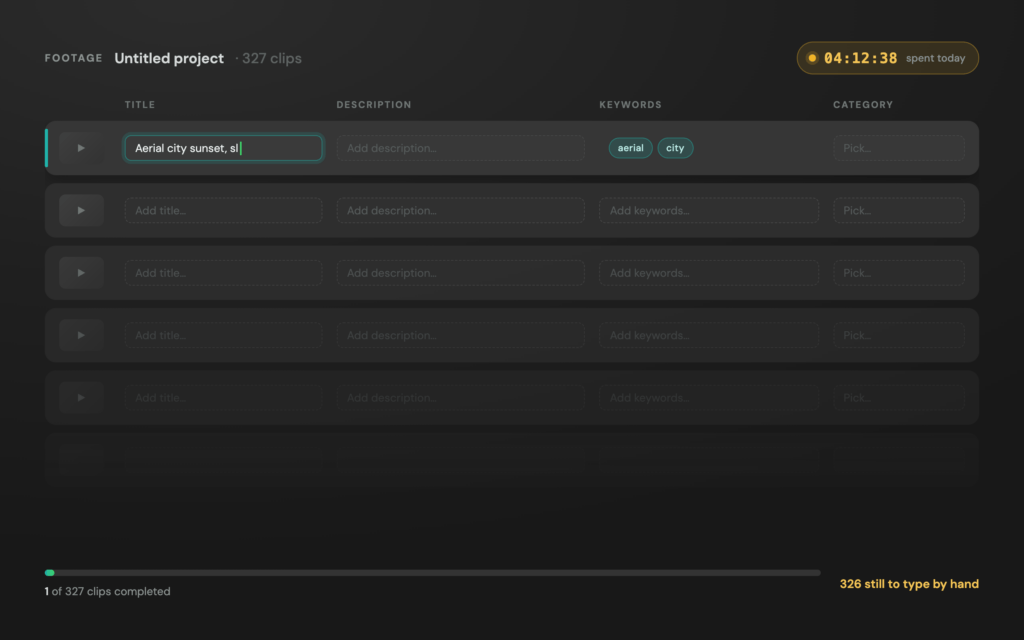
Creating titles, descriptions, keywords and categories for every stock video clip drains hours from your day. The work is repetitive, tedious and often delays the upload process.
SNX helps you prepare metadata faster, so more of your footage can actually make it to stock platforms.
First pain
Hours spent on repetitive tasks
Every clip needs the same basic work: title, description, keywords and category. When you have hundreds or thousands of clips, the time adds up fast.
Second pain
Finding keywords is exhausting
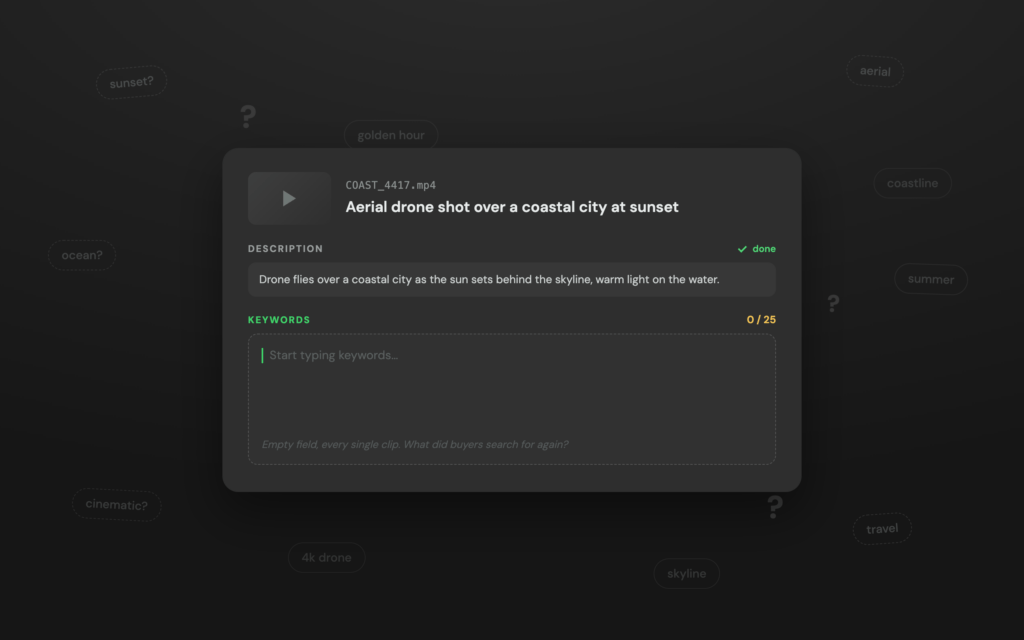
Good stock metadata has to describe what is visible, what buyers might search for and which concepts fit the clip. Starting from an empty field every time is slow and frustrating.
Third pain
Metadata varies by platform
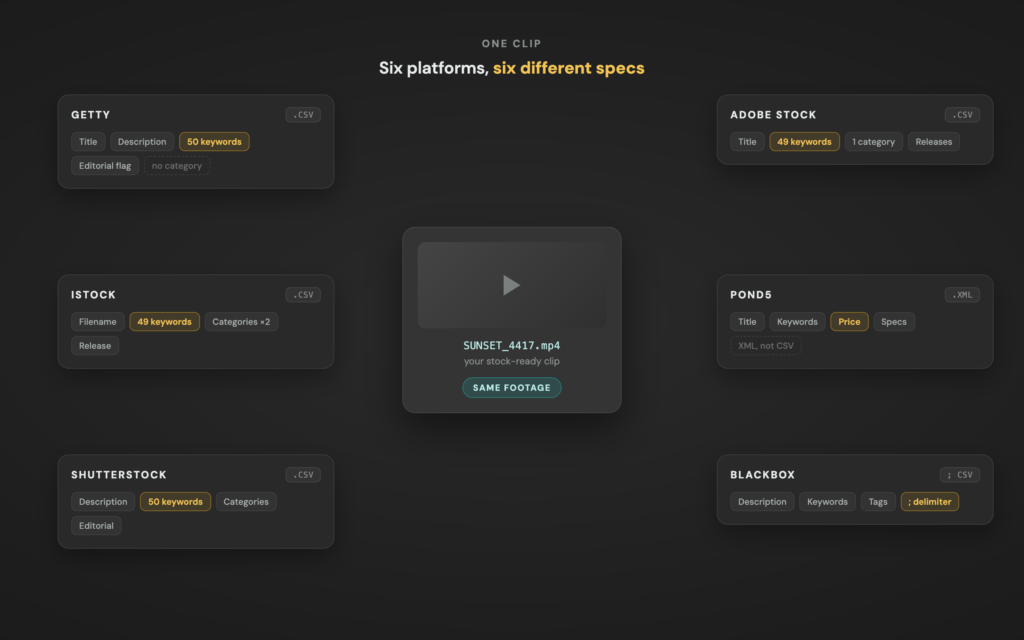
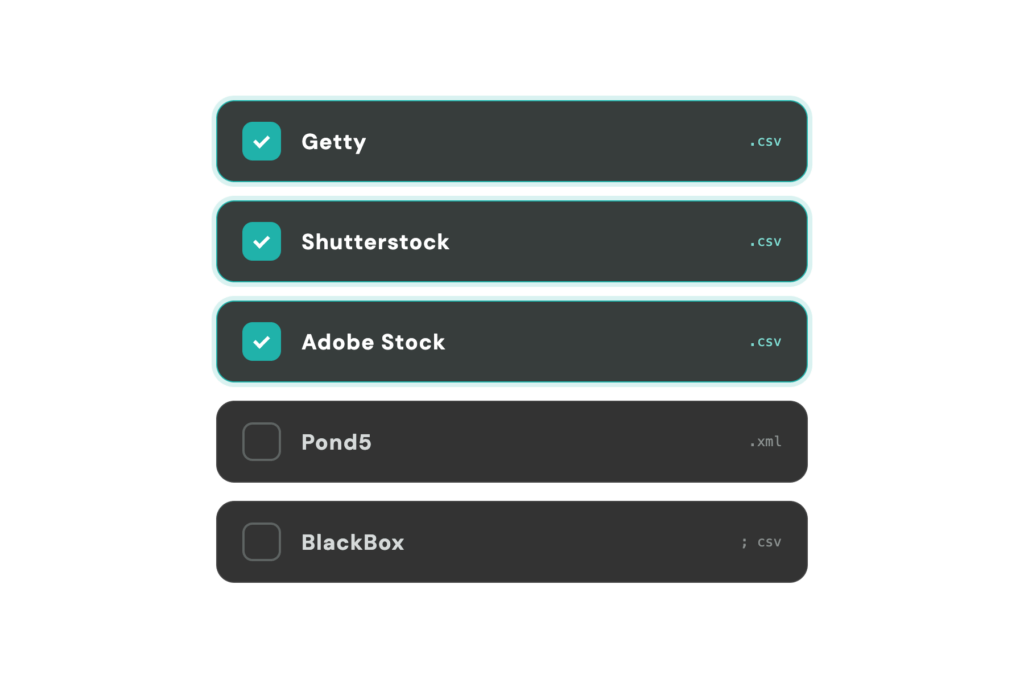
Getty, iStock, Shutterstock, Adobe Stock, Pond5 and BlackBox all have different workflows and CSV requirements. Managing metadata for multiple platforms can quickly become complicated.
Workflow
Three simple steps
From selected clips to stock-ready metadata in minutes, not hours.
Select your clips
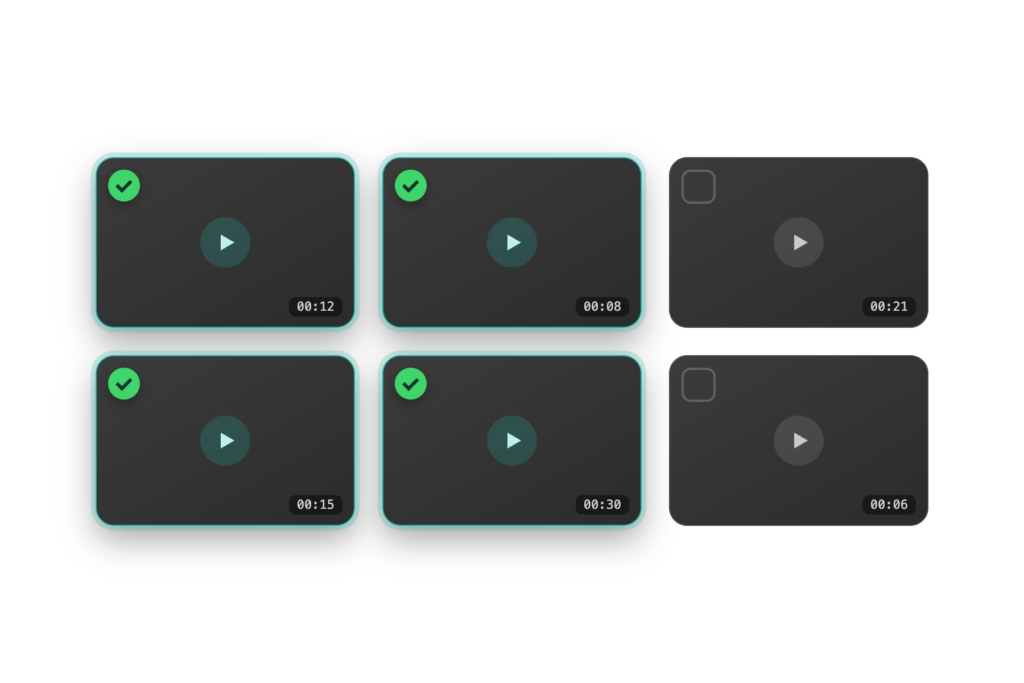
Choose individual video clips or a full folder. SNX can also use information from file names, folder names or your own additional context to improve the results.
Choose your platforms
Select one or multiple providers such as Getty, iStock, Shutterstock, Adobe Stock, Pond5 or BlackBox. Add optional details like location, editorial status or provider-specific fields when needed.
Generate and export metadata
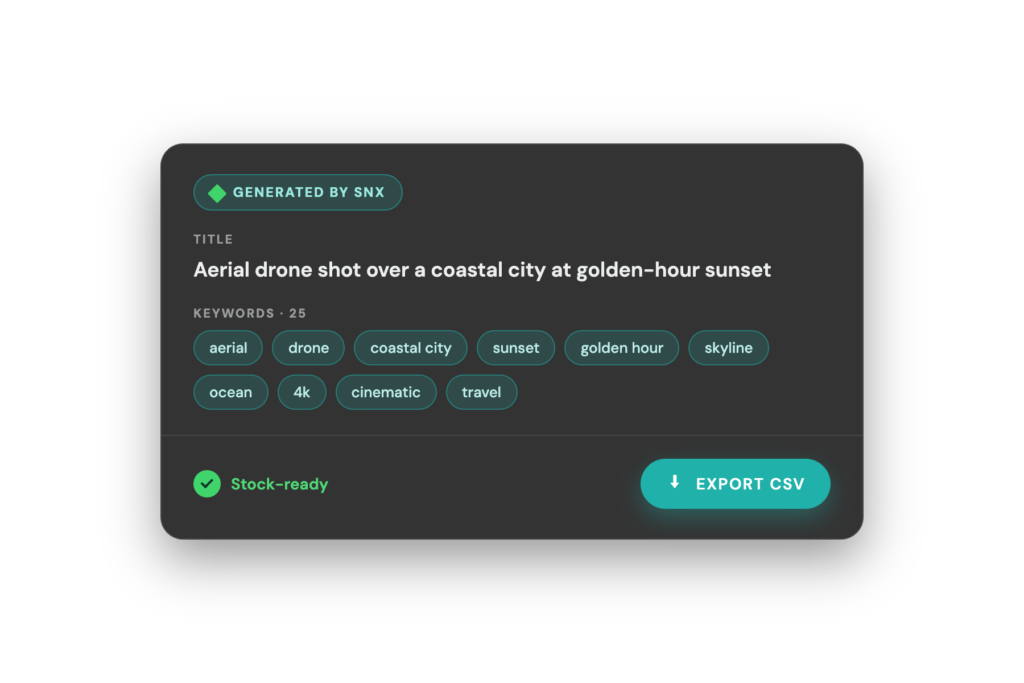
SNX creates titles, descriptions, keywords, categories and provider-specific CSV fields. Export the metadata and use it together with your clips on the selected stock platforms.
Works with:


SNX creates provider-specific CSV exports for supported stock video workflows.
Speed
Generate metadata in seconds
What used to take hours can now be done much faster. SNX creates a strong metadata draft for your clips, so you can prepare more footage with less repetitive work.
SNX cuts through the metadata grind and gets you closer to uploading.
SNX cuts through the noise and gets you uploading faster.
What you gain
Benefits
Scale without the burnout
Handle ten clips or thousands of clips. SNX helps keep the metadata process manageable, even when your footage library grows.
Reach
Prepare footage for the right buyers
Clear, relevant metadata helps describe your clips in a way that matches how buyers search on stock platforms.
Keep metadata consistent everywhere
Create structured metadata for multiple provider workflows without starting from scratch for every platform.
Effort
Stop writing the same thing over and over
SNX helps remove the most repetitive parts of stock metadata creation, from titles and descriptions to keywords and categories.
Turn old footage into stock-ready clips
Your hard drives may already contain useful stock footage. SNX helps prepare that archive for stock platform uploads faster.
FREE
Perfect for trying out our platform with limited tokens-
10 tokens per month
-
Access to basic features
-
Community support
STARTER
Best for smaller portfolios and light monthly uploads-
300 Clips monthly
-
Priority email support
-
Access to new features
PRO
For Active contributors and power users with larger portfolios-
1200 tokens per month
-
Dedicated support
-
Early access to new features
SCALE
High-volume workflows and enterprise needs-
5000 tokens per month
-
Enterprise-grade support
-
Custom solutions
Pick the plan that fits your workflow. No surprises, no hidden fees.
Simple pricing
Plans
Improvement Box
Real feedback from creators and teams using SNX every day.
What users say
Everything you need to know about SNX and how it works.
Questions
What is SNX and who is it for?
What does SNX do?
SNX generates stock-ready metadata for video clips in seconds. This includes titles, descriptions, keywords, categories and additional CSV fields required by supported stock platforms.
Is SNX built for video?
Yes. SNX is built for stock video workflows.
Who is SNX for?
SNX is built for stock footage contributors, videographers, production companies, agencies, YouTubers, filmmakers and anyone preparing video clips for stock platforms.
What kind of metadata does SNX generate?
SNX creates titles, descriptions, keywords, categories and provider-specific metadata fields commonly required for stock platform CSV uploads.
Can I edit the generated results?
Yes. Generated metadata can be reviewed and adjusted before export.
How does the workflow actually work?
Do I need to upload full videos?
No. SNX does not require full video uploads.
How does SNX analyze my content?
SNX combines visual analysis with optional context you provide, such as location, event, subject details, file names or folder names, to generate more accurate metadata.
Can I add extra information manually?
Yes. You can add extra context per clip, for selected clips or for an entire group.
Can SNX handle large batches?
Yes. You can process individual clips, regular upload batches or large footage archives organized into groups.
Does SNX always need extra context to work well?
No. SNX can create strong results without extra context. Additional information simply helps guide the output when important details are not visible in the clip.
What do I get and where does it go
Which platforms is SNX designed for?
SNX exports metadata for workflows involving Getty, iStock, Shutterstock, Adobe Stock, Pond5 and BlackBox.
How do I use the generated metadata?
SNX exports metadata in CSV format so it can be used together with your clips on supported stock platforms.
Is the metadata ready to use right away?
In many cases, the output is already very close to final. We still recommend checking the metadata before submission, especially for editorial content, locations, releases and provider-specific fields.
How accurate is the output?
Accuracy depends on what is visible and what context is available. SNX performs best when visual analysis is combined with helpful context such as location, event or subject details.
What does it cost, and how do I get started?
How do tokens work?
One token equals one processed clip.
Do I need a subscription to use SNX?
No. You can use SNX through a monthly subscription that includes tokens, or by purchasing tokens separately.
Do you offer free clips to get started?
Yes. Users receive free clips either when signing up and free monthly curations.
Can I cancel anytime?
Yes. Subscriptions can be cancelled at any time.
Is my content safe with SNX?
Does SNX require full video uploads?
No. Full video uploads are not required.
Who owns my content?
You remain the owner of your content at all times.
Need more help?
Reach out anytime. We’re here to answer questions and help you get the most from SNX.
Stop wasting time on metadata
Create titles, descriptions, keywords, categories and provider-specific CSV fields for your stock video clips.
See how much time you can get back.